Best 8 Approval Workflow Software in 2026: Tools to Eliminate Bottlenecks
By Great Startup Tools
This guide compares 8 tools for different needs. Compare their features, integrations, and pricing to find the right fit.
Quick comparison table
| Tool | Best For | Pricing Model | Key Integration |
|---|---|---|---|
| Process Street | Approvals built into recurring processes | Paid plans with a 14-day free trial on Pro | 5,000+ integrations |
| Tallyfy | Client-facing no-login approvals | From ~$15/user/month | API |
| Kissflow | Enterprise process automation | From ~$15/user/month | Cloud |
| ProcessMaker | Low-code enterprise BPM | Open-source option available | API |
| Formstack | Document + e-sign approvals | From ~$50/month | API |
| Jet Admin | No-code approvals on existing databases | Free tier | SaaS/database connectors |
| Planable | Marketing content review | From ~$11/user/month | Social platforms |
| Jotform | Form-based approvals | Free tier | Payment integrations |
Pricing is accurate as of writing; always check the vendor’s site for current numbers.
1. Process Street
Best for: startups and growing teams that want approvals to live inside the process itself, not in a separate inbox.
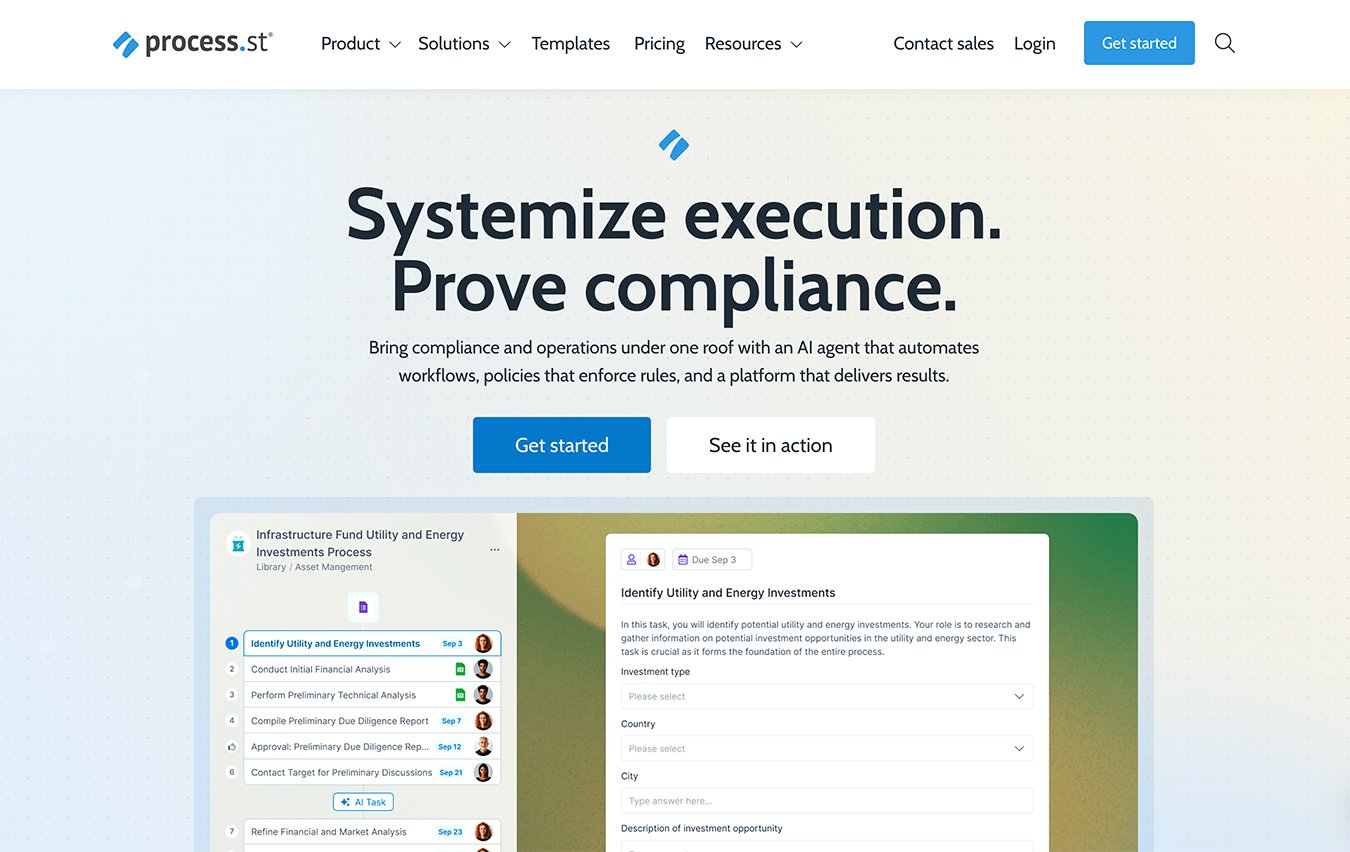
Process Street turns recurring work like onboarding, purchase requests and policy sign-offs into checklists where every step has an owner. Approvals sit inside the workflow: the run pauses until the right person approves or rejects, with timestamps and comments recorded automatically. Conditional logic shows each person only the steps that apply, and every run leaves a full audit trail, so you can see who approved what and when. It connects to the rest of your stack through 5,000+ integrations.
2. Tallyfy
Best for: businesses that need to loop in external clients, freelancers, or partners without forcing them to create accounts.
Tallyfy solves a real friction point: external participants often ignore approval requests when they have to log in. With Tallyfy, outside reviewers click a magic link and see exactly what’s needed, no password required. You build client-facing and internal workflows in a visual designer, then watch progress on a real-time dashboard that highlights exactly where a step is stuck. Conditional rules, due dates, and reminders keep things moving. If your agency sends creative proofs or service businesses need client sign-offs, the no-login participation makes it painless for the other side.
3. Kissflow
Best for: medium to large organizations automating complex, multi-departmental approval chains with conditional rules and integrations.
Kissflow gives you a unified low-code workspace where forms, processes, and dashboards sit in one permissioned environment. You can design fully custom request forms, then drag-and-drop serial, parallel, or conditional approvals without touching code. HR, IT, procurement, and finance teams can all run their own flows on the same platform. Built-in analytics expose bottlenecks and measure cycle times, so you’re not just routing work; you’re improving how fast it moves. It’s the tool that bridges the gap between simple ticketing and heavyweight BPM suites most mid-size orgs never fully adopt.
4. ProcessMaker
Best for: enterprises that need deep business process management, compliance, and the option to self-host.
ProcessMaker runs on a BPMN 2.0 engine, making it a natural fit for teams that think in process models and need audit-grade traceability. You design multi-step approval flows for finance, legal, and HR in a low-code environment, then connect them to existing ERP or document management systems via API. Automated document generation and screen-based forms speed up capital-expenditure requests or policy acknowledgments. The open-source community edition lets technical teams inspect and extend the platform, giving you full ownership of workflow logic if you prefer to run it on your own infrastructure.
5. Formstack
Best for: organizations that want approval workflows tightly coupled with digital forms, document generation, and e-signatures.
Formstack turns a submission into a complete approval and signing pipeline. Someone fills out an HR onboarding form, and the platform automatically routes it through conditional review steps, then generates a ready-to-sign document with e-signature fields, all without hopping between separate tools. The no-code form builder handles complex logic, and you can store finalized documents right inside the platform. It’s especially handy for contract approvals, offer letters, or compliance forms where the data, the approvals, and the signature need to move as a single package.
6. Jet Admin
Best for: teams that want to build custom approval UIs on top of their existing databases and SaaS tools without migrating data.
Jet Admin connects directly to Postgres, MySQL, Airtable, and APIs to give you role-based approval panels that mirror your current schema. You set granular permissions per record or field, build conditional routing, and let approvers act from a clean, no-code interface. Because it reads from your live data sources, there’s no duplication and no extra ETL pipeline to maintain. Operations teams love it for tasks like vendor onboarding or inventory adjustments where the source of truth stays in your database, but the approval flow lives in a friendly, shareable app.
7. Planable
Best for: marketing, social media, and content teams that need visual review and approval flows for posts, blogs, and assets.
Planable stages drafts in a feed-like preview that looks exactly like the published version, whether it’s Facebook, Instagram, LinkedIn, or a blog layout. Stakeholders leave inline feedback directly on the creative, not in a disconnected email thread. Multi-level approvals and version history let you toggle between edits so everyone sees what changed. Once a post gets the green light, you can publish natively from the platform or hand it off to a scheduler. The side-by-side comparison and real-context preview eliminate the “I didn’t know it would look like that” friction that bogs down creative cycles.
8. Jotform
Best for: small businesses, nonprofits, and teams that want to turn simple form submissions into automated approval chains without learning a separate tool.
Jotform added an entire Approvals feature on top of its drag-and-drop form builder: leave requests, purchase orders, and applications flow straight into multi-step sign-off sequences. You assign approvers, set sequential or parallel steps, add conditional branches, and trigger emails all from the same canvas. Ready-made templates and payment integrations (Stripe, PayPal) cover the majority of straightforward, volume-based requests. For teams that already use Jotform to collect data, activating approvals feels like flipping a switch rather than onboarding a new platform.
How we picked these tools
We tested 18+ approval workflow software options over two weeks, setting up real-world flows like purchase requests, content reviews, and PTO approvals. Every tool had to prove it could handle conditional routing without turning into a month-long implementation project. We prioritized platforms that offer free trials or freemium tiers so you can validate fit before paying. Ease of setup, clarity of pricing, native integrations (Slack, Teams, databases, payment gateways), and feedback from verified users all fed into the final list. These picks come from hands-on testing and digging into what actually works under a typical workload.
Frequently asked questions
What is approval workflow software?
It’s a tool that automates multi-step sign-off processes, routing submissions to the right people in the right order and tracking decisions along the way.
Can I set up an approval flow without coding?
Yes, most modern platforms, like Kissflow, Jotform, and Tallyfy, offer no-code or low-code builders that let you draw the flow and define rules visually.
How much does approval workflow software cost?
Prices vary widely. Free tiers exist (Jotform, Jet Admin), team plans often start around $10–$20 per user/month, and enterprise deployments with advanced BPM features can exceed $50 per user/month.
The verdict
Compare the tools above against your budget, integrations, and workflow before choosing.
Related reviews
Best 8 Workflow Automation Software in 2026: Streamline Every
Compare the 8 best workflow automation software tools in 2026. We evaluate pricing, integrations, free plan limits, and ease of use to help you choose.
Best 7 Process Documentation Software in 2026: Streamline Every
We compare 7 process documentation software tools on ease of use, integrations, free plan availability, and pricing to help you map workflows faster in 2026.
Best 7 Process Mapping Software in 2026: Streamline Every
Compare the 7 best process mapping software tools on pricing, integrations, free plan availability, and ease of use to find the right fit for your team.